🚀 Getting started
🔌 Connect to onOffice
⚙️ Account settings
📋 Forms
🧱 Fields
🎨 Design & Branding
🔄 Pre-filling & Data Records
📨 Email in Propform
📊 Tracking & Webhooks
🔒 Data Protection
📚 Reference
❓ Frequently asked questions
Overview
My form isn't saving any data
Fields are not displayed
Email not arriving
File upload fails
UUID autofill isn't working
The form is not displaying correctly
Values are not passed to the PDF
Spam protection & bot defence
Multilingual forms
Tracking in an embedded form (iFrame)
Link multiple buyers/owners
Filters per form (record limit)
Duplicate a property when re-marketing it
Recalculate formula fields in onOffice
Address record with this UUID not found
Form has expired / Session has expired
🤝 Consultant workflow
🆘 Help & Advice
📰 What's new?
Create & edit forms
ℹ️ Note: The screenshots on this page still show the previous propform interface. All features and settings described here apply unchanged — the look was modernised with the new editor.
Create a form
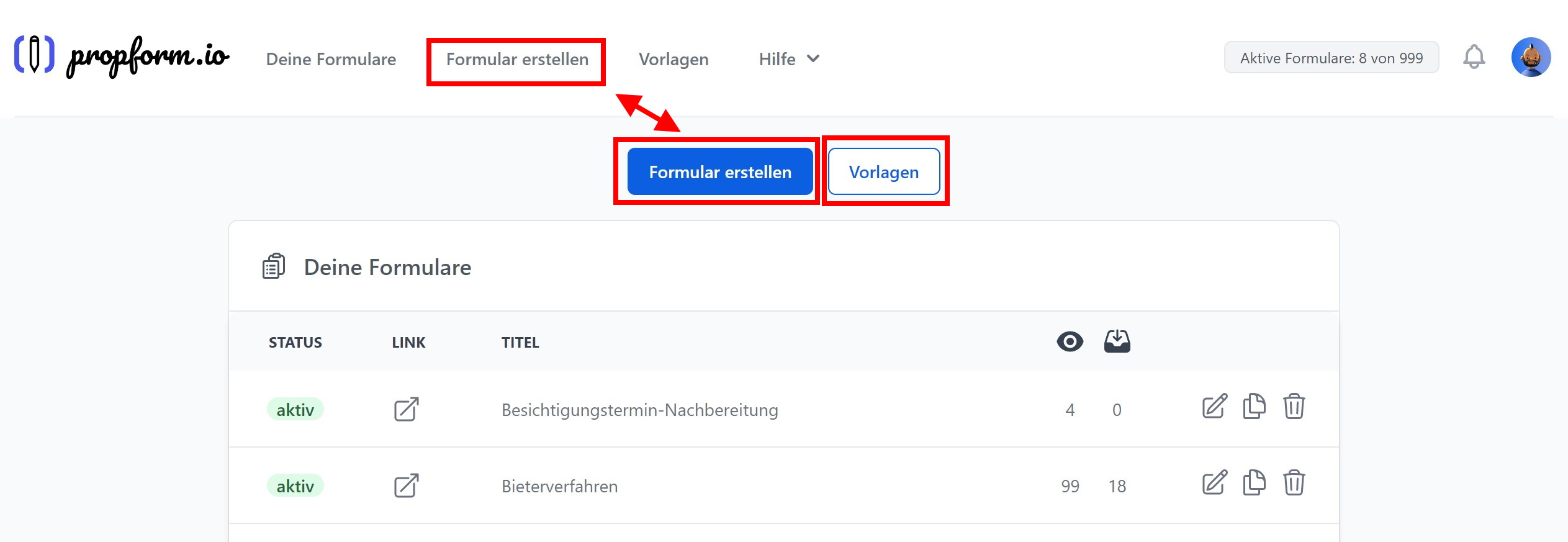
- Click on “Create form” in your “Form overview”. Alternatively, you can copy a form from our template library into your account.
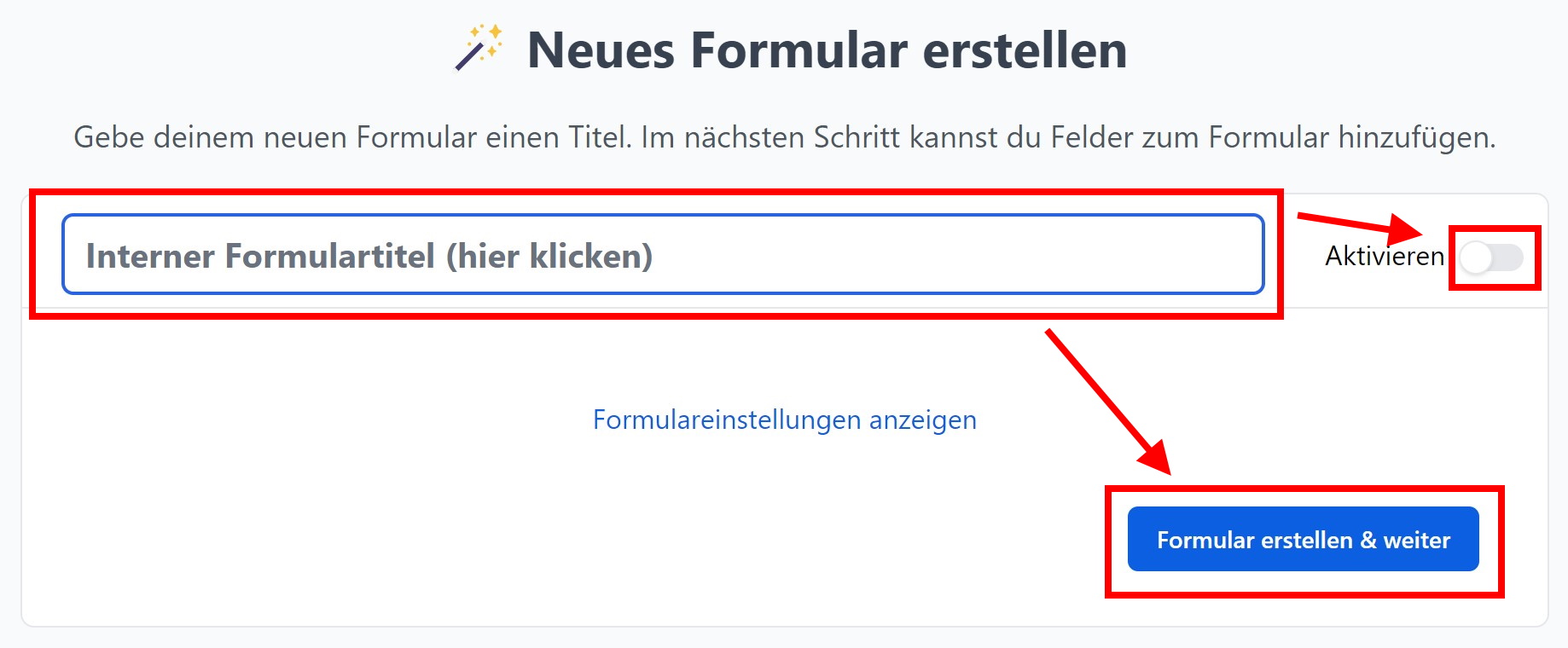
- Give your form an (internal) title.
- Click on “Create form & continue” — that's all it takes when creating. You land directly in the form editor.
You configure all further settings afterwards in the editor via the sections in the sidebar — you can find an explanation of the available settings here. That is also where you activate your form once it is ready. The link to your new form is displayed after the first save.
> Only activated forms can be accessed via the form link and count towards your current form limit.