All posts
Sample form: Property survey
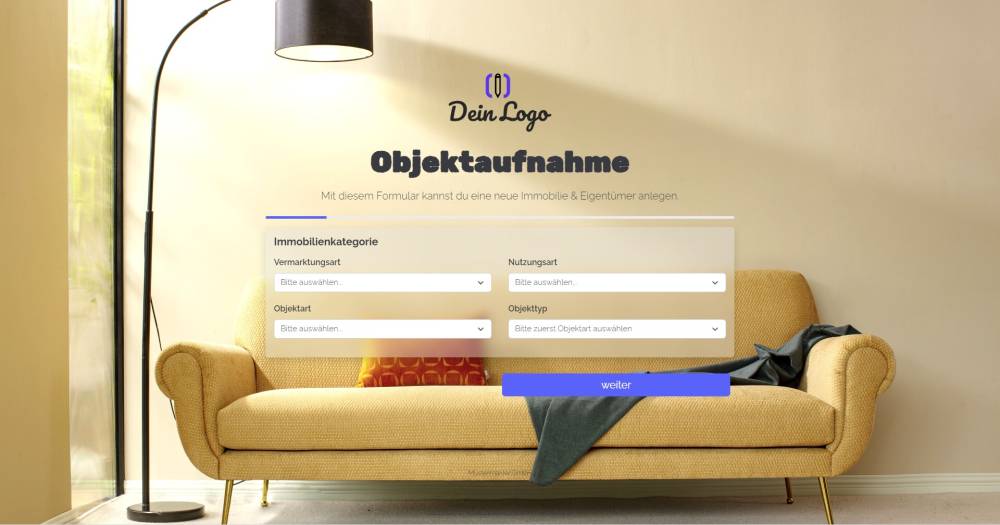
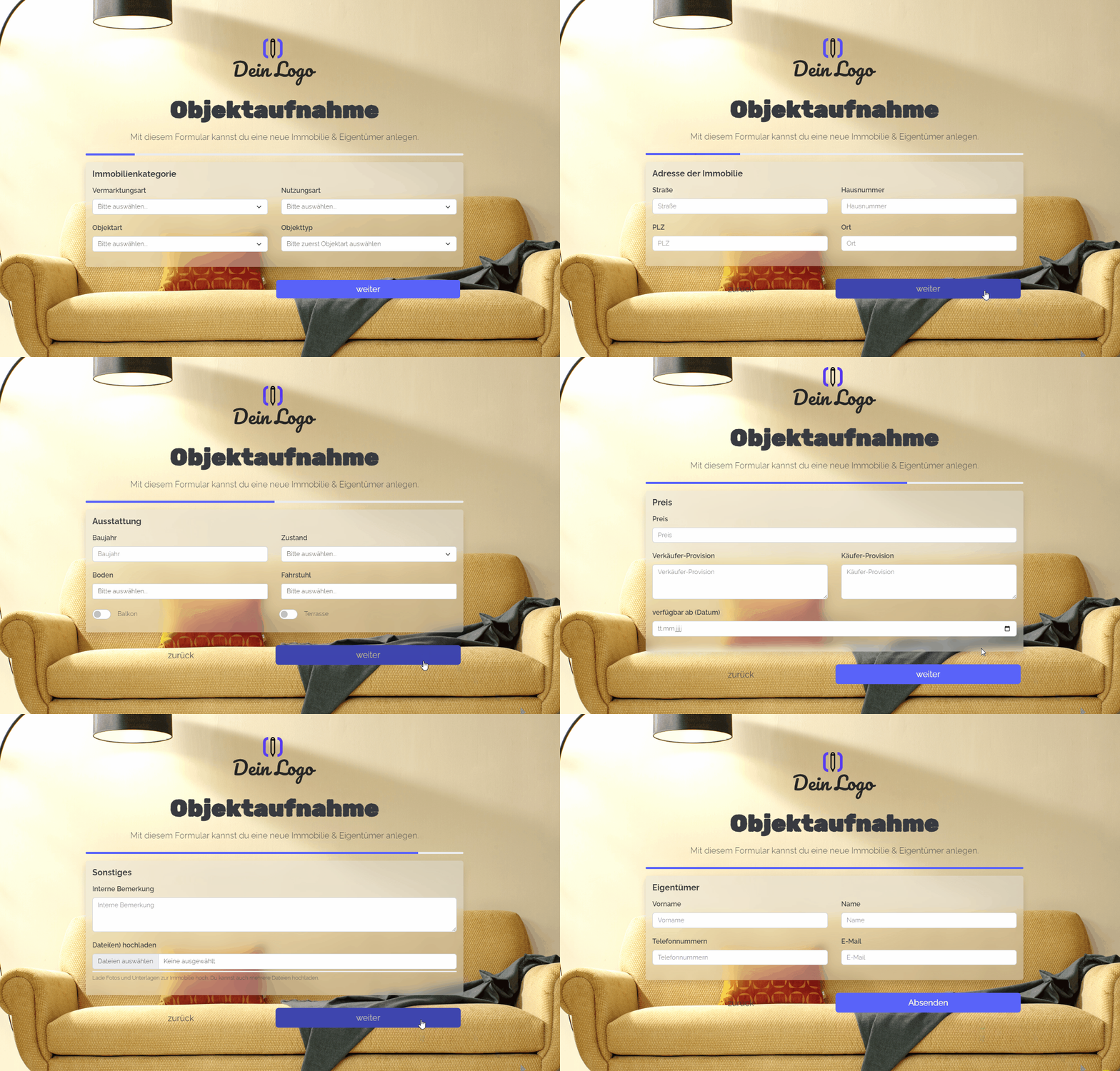
This form template can be used to create a property and its owner in onOffice.

Explanation
This form template allows you to create a property and its associated owner in onOffice. The address created is linked to the property as the owner. Furthermore, an activity and a task are created once the form is submitted.
Instructions
- Copy the form from the template overview and activate it.
- ✅ Done
Optional:
- If necessary, add any additional fields that are important to you, or delete fields you do not need.
- In the form settings, customise the written activity and task or deactivate them.
- If one or more emails are to be sent from onOffice after the form is submitted, e.g. to the person filling in the form and/or an internal colleague, configure the emails to be sent in "Form settings" -> "Send emails".
- If necessary, customise the styling, the URL suffix and the title of the form.
- In the "Form Settings" -> "Styling", specify whether you want to display the form as a multi-step form or as a one-pager.
Notes
- -