All posts
Sample form: Upload rental documents
Let prospective tenants upload relevant documents and save them directly in your onOffice account.
Explanation
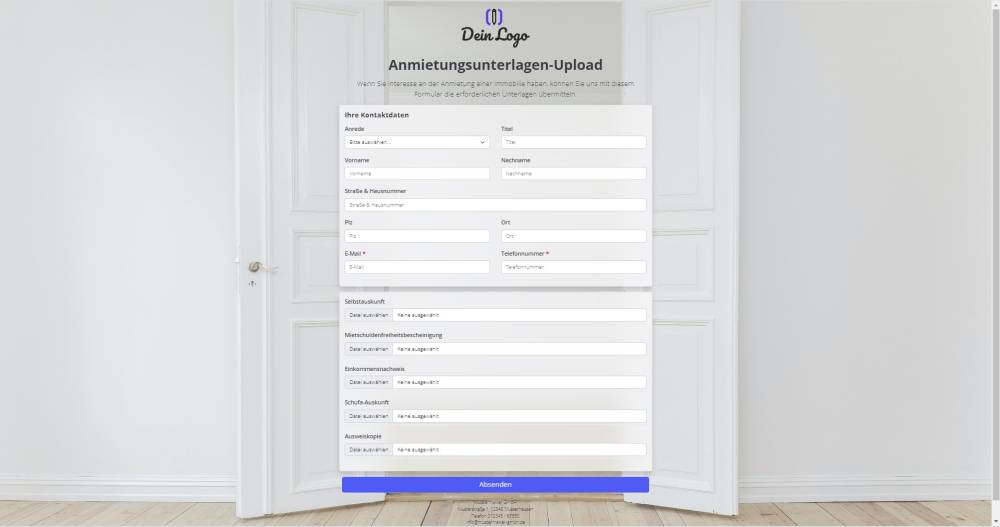
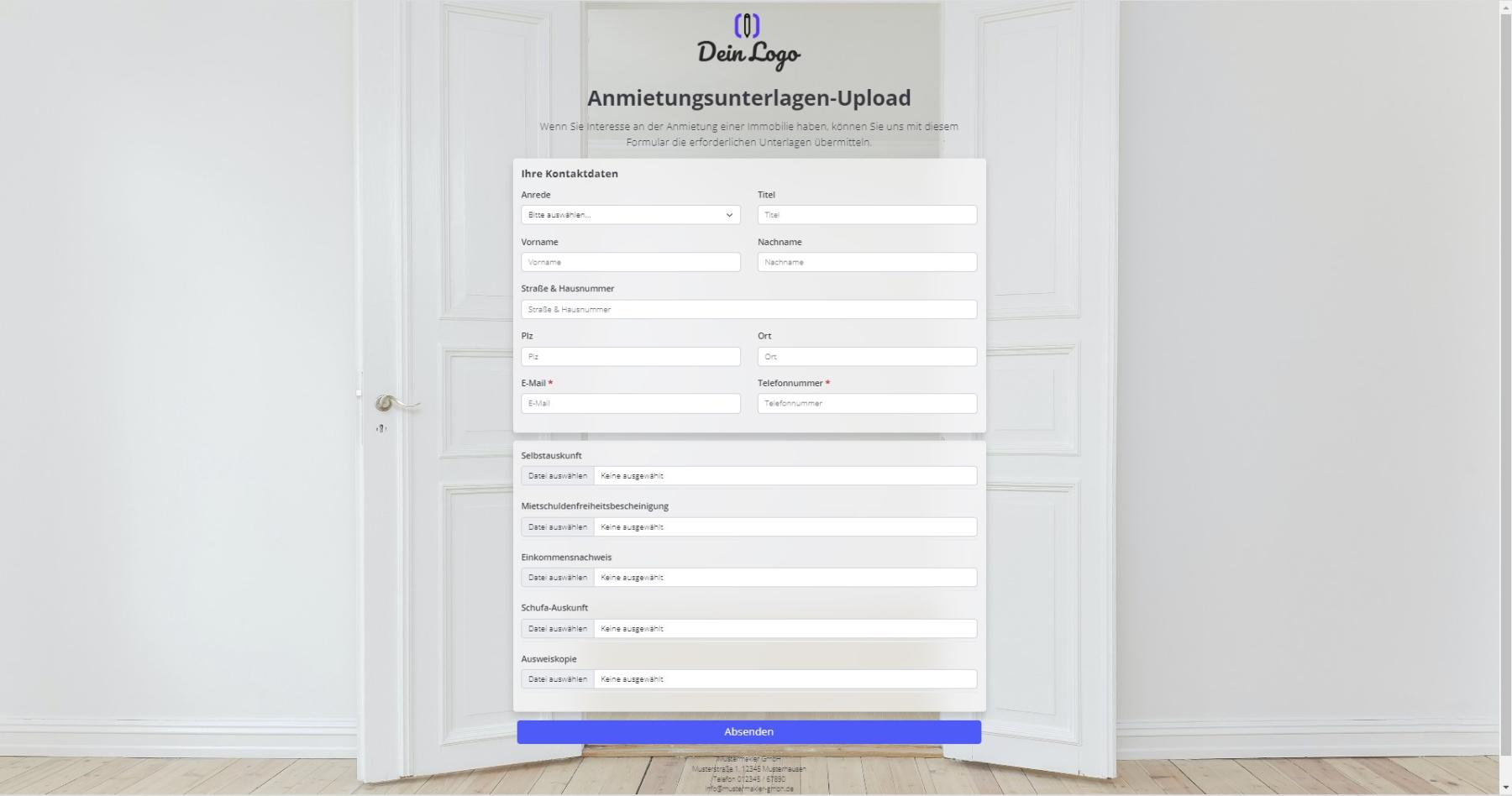
You can use this form to have prospective tenants submit documents. The documents are stored in file fields within the address record and in the Files tab.
Instructions
- Copy the form and activate it.
- Create the following address fields in your onOffice administration:
- Self-declaration (file)
- Certificate of no rent arrears (file)
- Proof of income (file)
- Schufa credit report (file)
- Copy of ID (file)
- Replace the individual fields in the template with the field names from your version of onOffice.
- ✅ Done
Notes
- The form contains custom fields.
- In the form settings -> Advanced settings, the duplicate check for the email address is enabled.
Usage
- To edit an existing record using the form, the UUID of the address record must be appended to the form link as a URL parameter.
- Alternative 1: Send the edit link by email
- To do this, copy the second link from the top under "Form settings" -> "Edit property & address" and paste it into a new email. The link looks similar to this: ("https://deinname.propform.io/deineformularurl?address[Id]=_Uuidaddress")
- Send an email linked to the property in question.
- Alternative 2: Store the form link in the onOffice interface as a link field with a formula
- In the onOffice administration, create a field of type "Link" and enter the second formula from "Form Settings" -> "Edit Property & Address" as the formula in the field. The formula looks similar to this: ="https://deinname.propform.io/deineformularurl?address[ID]="&[uuid]
- To also link the relevant property to the activity, you must use the URL parameter estate[Id]=_Uuidestate to load the property record into the form