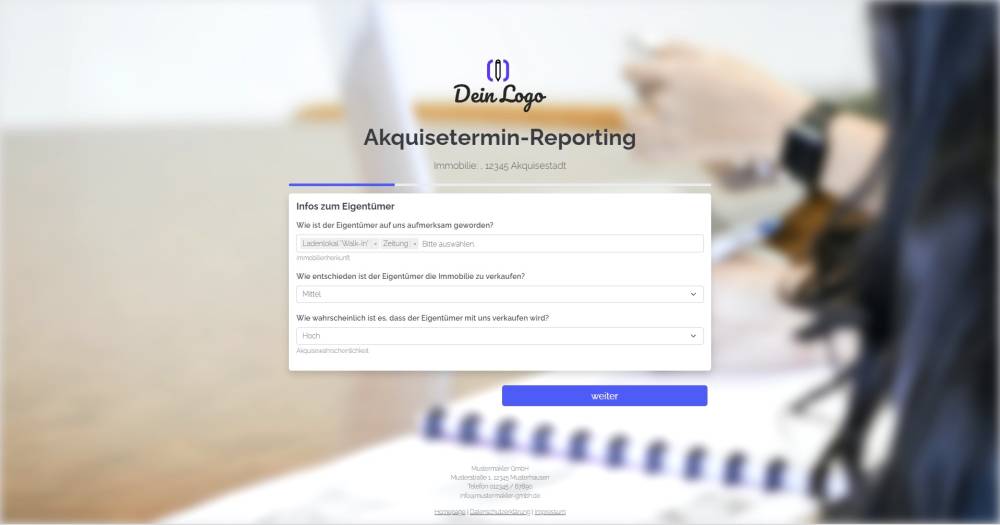
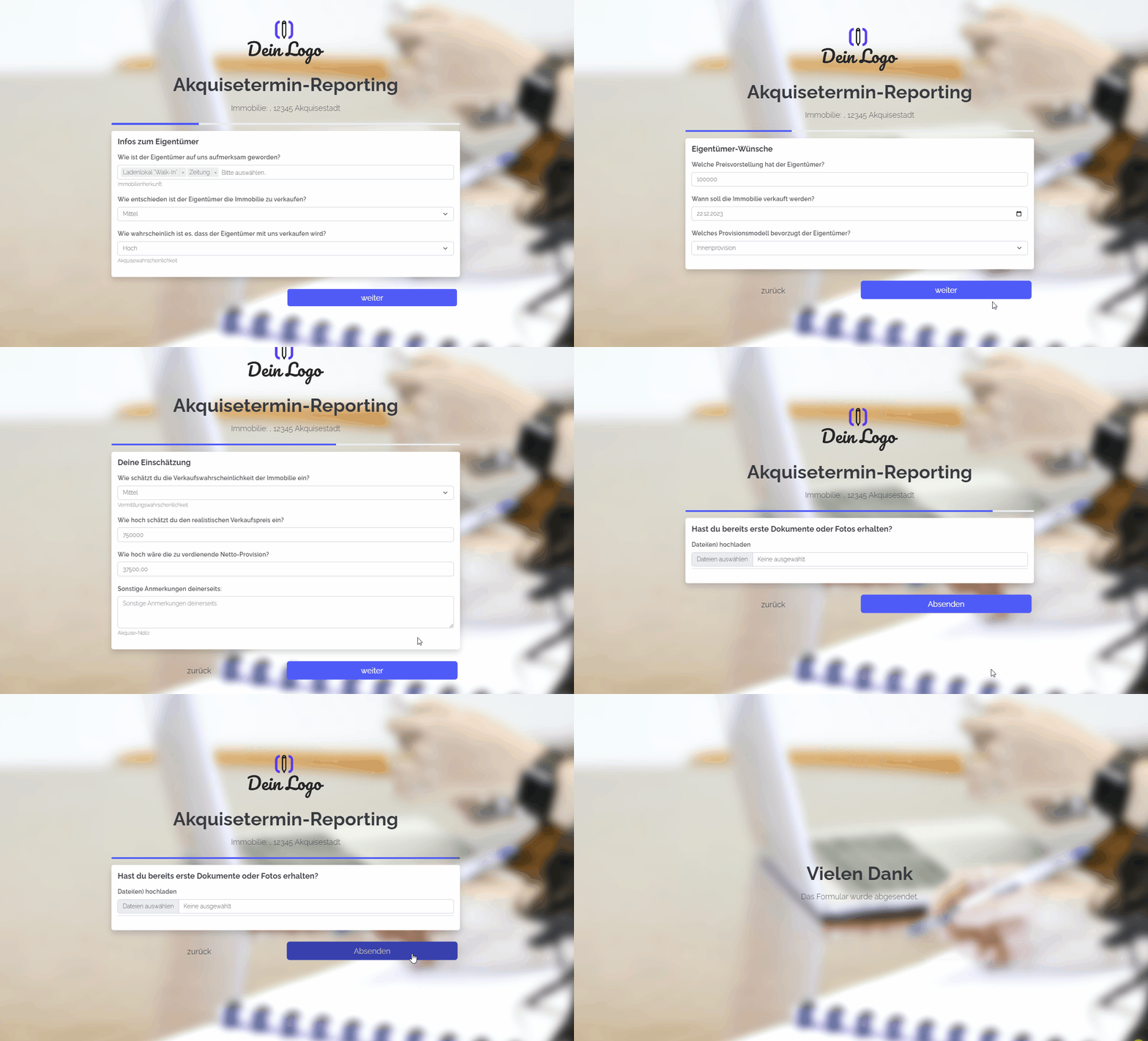
Explanation
Send this form to your colleagues after a sales meeting has taken place to gather further information.
Instructions
- Copy the form and activate it.
- Create the following custom fields in your onOffice version under Property Administration and replace the fields in the form: Probability of property sale (single select: high, medium, low), owner’s asking price (float or integer), desired sale date (date), preferred commission model (single select: internal commission, split commission, external commission), realistic sale price (float or integer), projected net commission (float), acquisition note (comment or text)
- ✅ Done
Optional:
- Add any additional fields that are important to you, or delete fields you don’t need.
- In the form settings, customise the activity and task fields or deactivate them.
- If one or more emails are to be sent from onOffice after the form is submitted, e.g. to the person filling in the form and/or an internal colleague, configure the emails to be sent in "Form settings" -> "Send emails".
- If necessary, customise the styling, the URL suffix and the title of the form.
- In the "Form Settings" -> "Styling", specify whether you want to display the form as a multi-step form or as a one-pager.
Notes
- The form consists of various custom fields, which you must first create in your onOffice administration.
Usage
- To edit an existing record using the form, the UUID of the address record must be appended to the form link as a URL parameter.
- Alternative 1: Send the edit link by email
- To do this, copy the second link from the top under "Form settings" -> "Edit property & address" and paste it into a new email. The link looks similar to this: ("https://deinname.propform.io/deineformularurl?address[ID]=_Uuidaddress")
- Send an email linked to the address in question.
- Alternative 2: Store the form link in the onOffice interface as a link field with a formula
- In the onOffice administration, create a field of type "Link" and enter the first formula from "Form Settings" -> "Edit Property & Address" as the formula in the field. The formula looks similar to this: ="https://deinname.propform.io/deineformularurl?address[ID]="&[uuid]