All posts
Sample form: File upload for the property
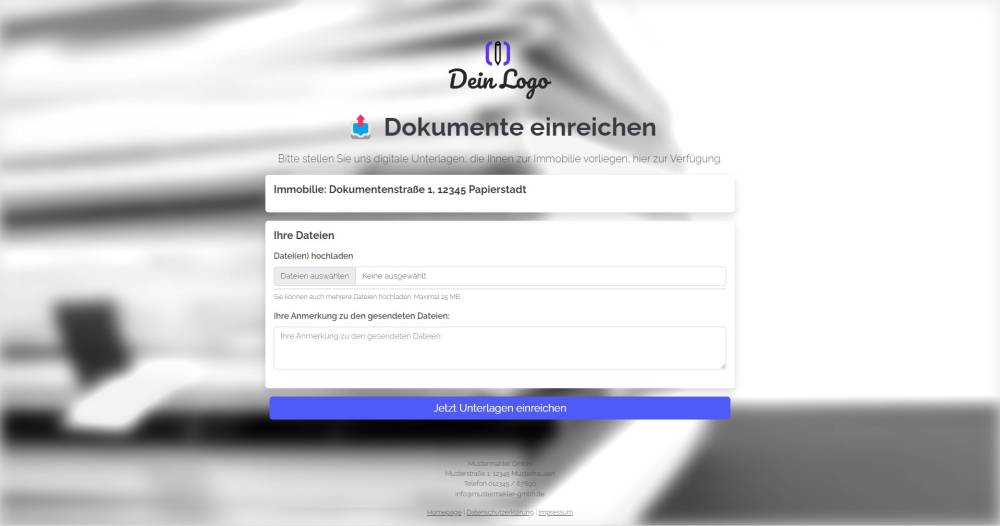
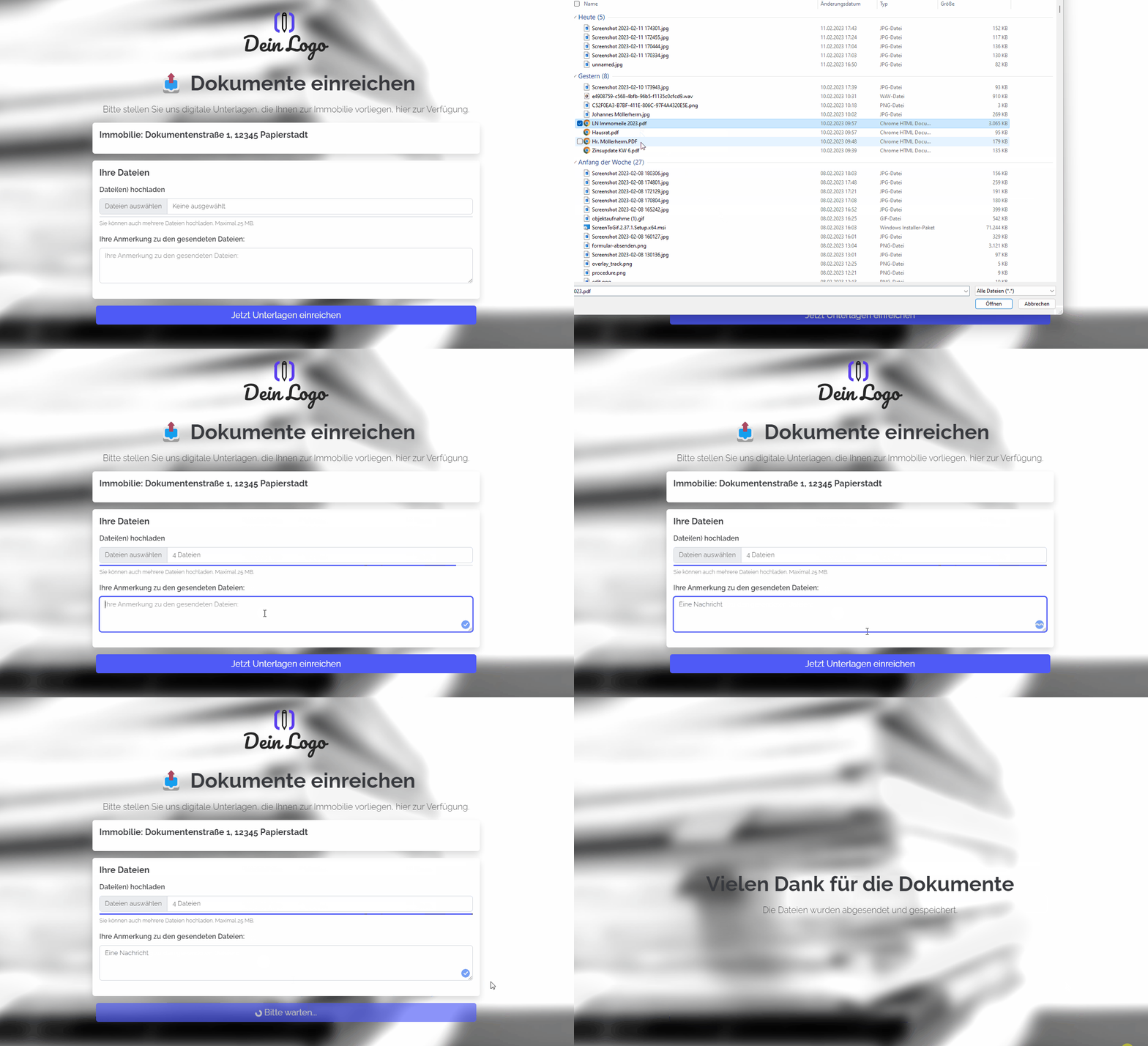
Send an upload link and allow documents and files to be submitted digitally. The form saves the files directly to the property listing and creates an activity.
Explanation
Send an upload link and allow documents to be submitted digitally. The form saves the files directly to the property and creates an activity, which also contains the uploaded files.
Instructions
- Copy the form from the template overview and activate it.
- ✅ Done
Optional:
- If necessary, add further fields that are important to you, or delete fields you don’t need.
- In the form settings, customise the written activity and task or deactivate them.
- If one or more emails are to be sent from onOffice after the form is submitted, e.g. to the person filling in the form and/or an internal colleague, configure the emails to be sent in "Form settings" -> "Send emails".
- If necessary, customise the styling, the URL suffix and the title of the form.
- In the "Form Settings" -> "Styling", specify whether you want to display the form as a multi-step form or as a one-pager.
Notes
- The option to create an activity has been enabled for the form. Additionally, the "Comment" activity field has been added as a field within the form itself. However, the field label has been changed to "Your comment on the submitted files". If the form submitter enters something here, the message is therefore saved in the "Comment" field within the activity.
Usage
- To upload files to an existing property record in your onOffice version, the UUID of the property record must be appended to the form link as a URL parameter.
- Alternative 1: Send the edit link by email
- To do this, copy the first link from the top under "Form settings" -> "Edit property & address" and paste it into a new email. The link looks similar to this: ("https://deinname.propform.io/deineformularurl?estate[Id]=_Uuidestate")
- Send an email linked to the property in question.
- Alternative 2: Save the form link in the onOffice property form as a link field with a formula
- In the onOffice administration, create a field of type "Link" and enter the first formula from "Form Settings" -> "Edit Property & Address" as the formula in the field. The formula looks similar to this: ="https://deinname.propform.io/deineformularurl?estate[Id]="&[uuid]