All posts
Sample form: Create & edit property
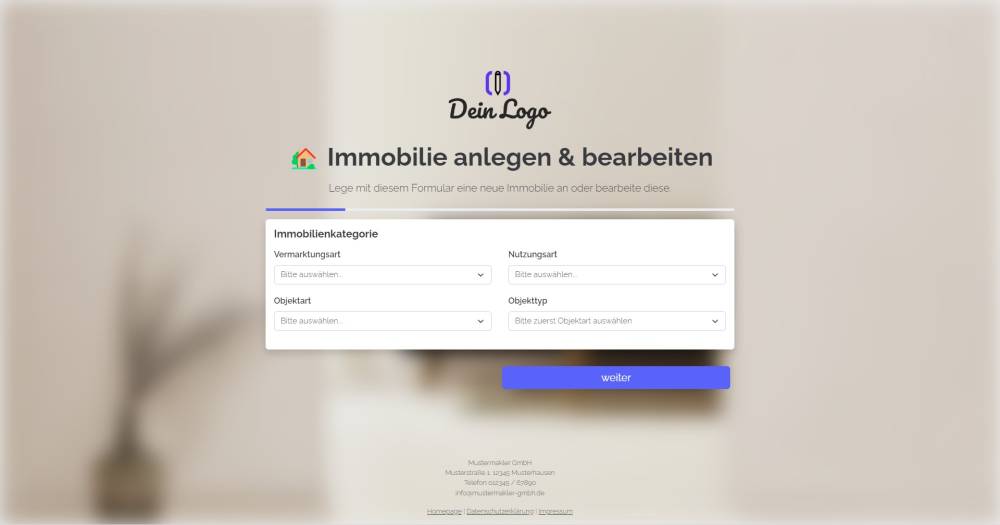
You can use this form to create a new property in onOffice or edit an existing one.
Explanation
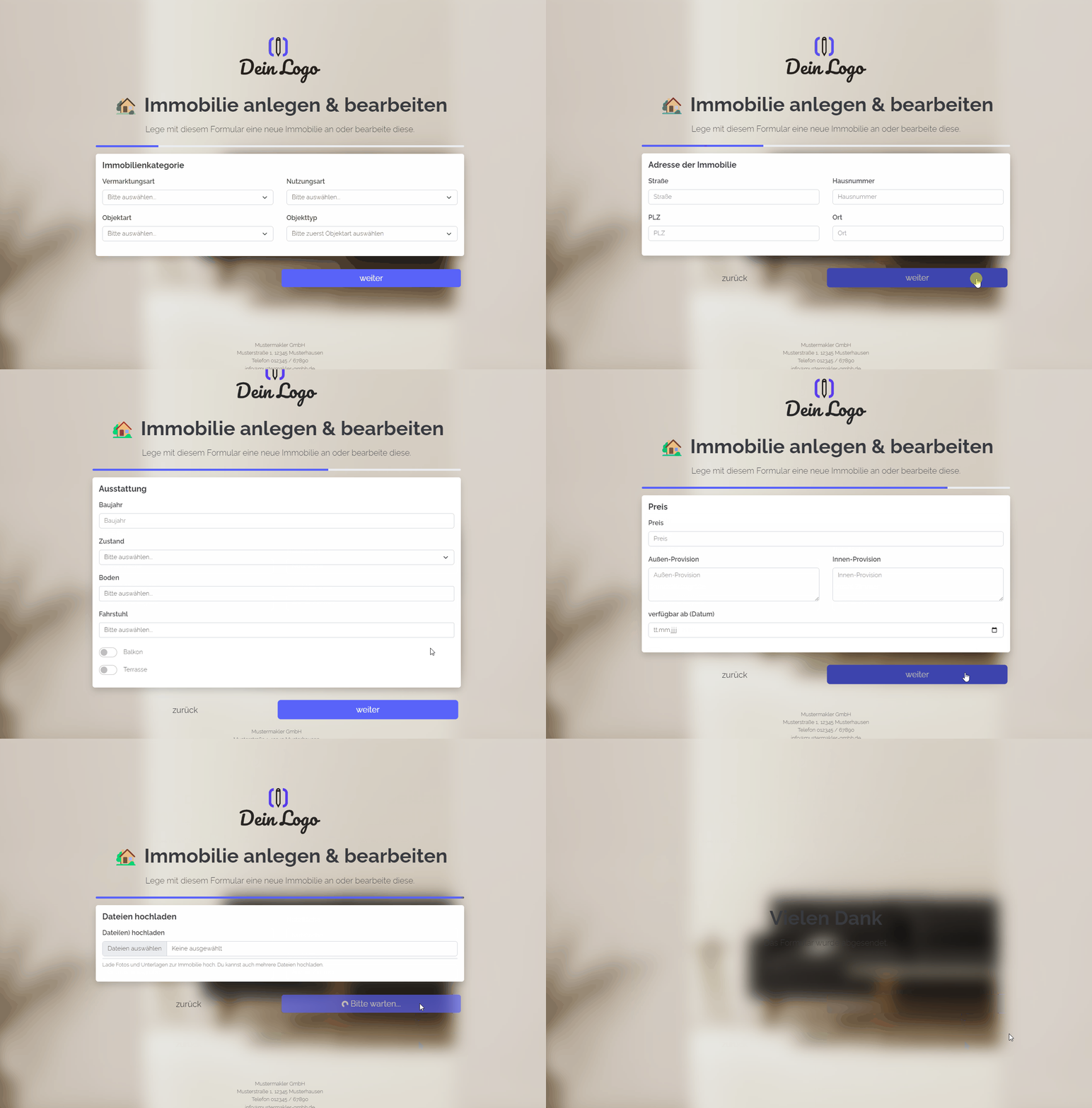
You can use this form to create a new property in onOffice or, if you append a property UUID to the form link as a URL parameter, to edit an existing property.
Instructions
- Copy the form from the template overview and activate it.
- ✅ Done
Optional:
- If necessary, add further fields that are important to you, or delete fields you do not need.
- In the form settings, customise the written activity and task or deactivate them.
- If one or more emails are to be sent from onOffice after the form is submitted, e.g. to the person filling in the form and/or an internal colleague, configure the emails to be sent in "Form settings" -> "Send emails".
- If necessary, customise the styling, the URL suffix and the title of the form.
- In the "Form Settings" -> "Styling", specify whether you want to display the form as a multi-step form or as a one-pager.
Notes
- The form contains only onOffice standard fields, which are available in every version of onOffice.
Usage
- To create a new property record, simply fill in the form and submit it.
- To edit an existing record using the form, the UUID of the property record must be appended to the form link as a URL parameter.
- Alternative 1: Send the edit link by email
- To do this, copy the first link from the top under "Form settings" -> "Edit property & address" and paste it into a new email. The link looks similar to this: ("https://deinname.propform.io/deineformularurl?estate[Id]=_Uuidestate")
- Send an email linked to the property in question.
- Alternative 2: Save the form link in the onOffice property form as a link field with a formula
- In the onOffice administration, create a field of type "Link" and enter the first formula from "Form Settings" -> "Edit Property & Address" as the formula in the field. The formula looks similar to this: ="https://deinname.propform.io/deineformularurl?estate[Id]="&[uuid]