All posts
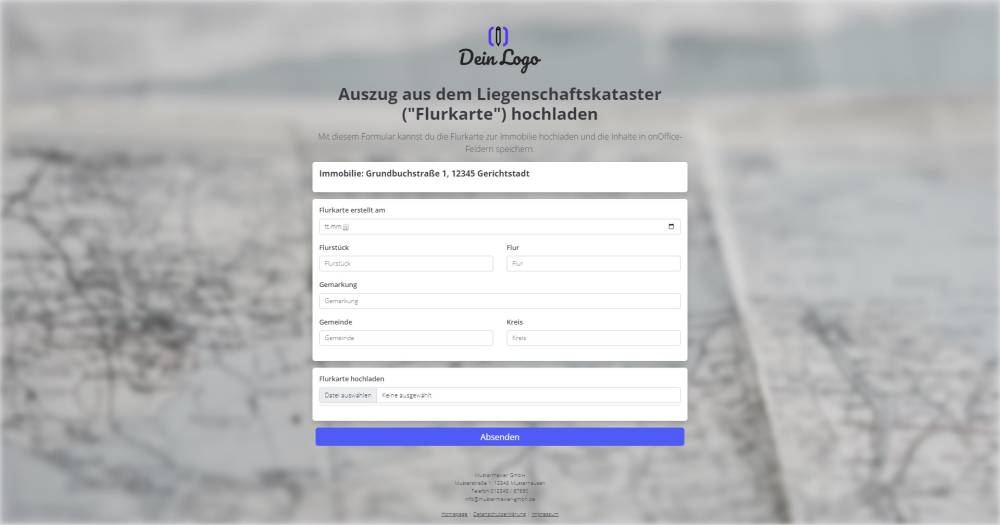
Sample form: Cadastral map upload
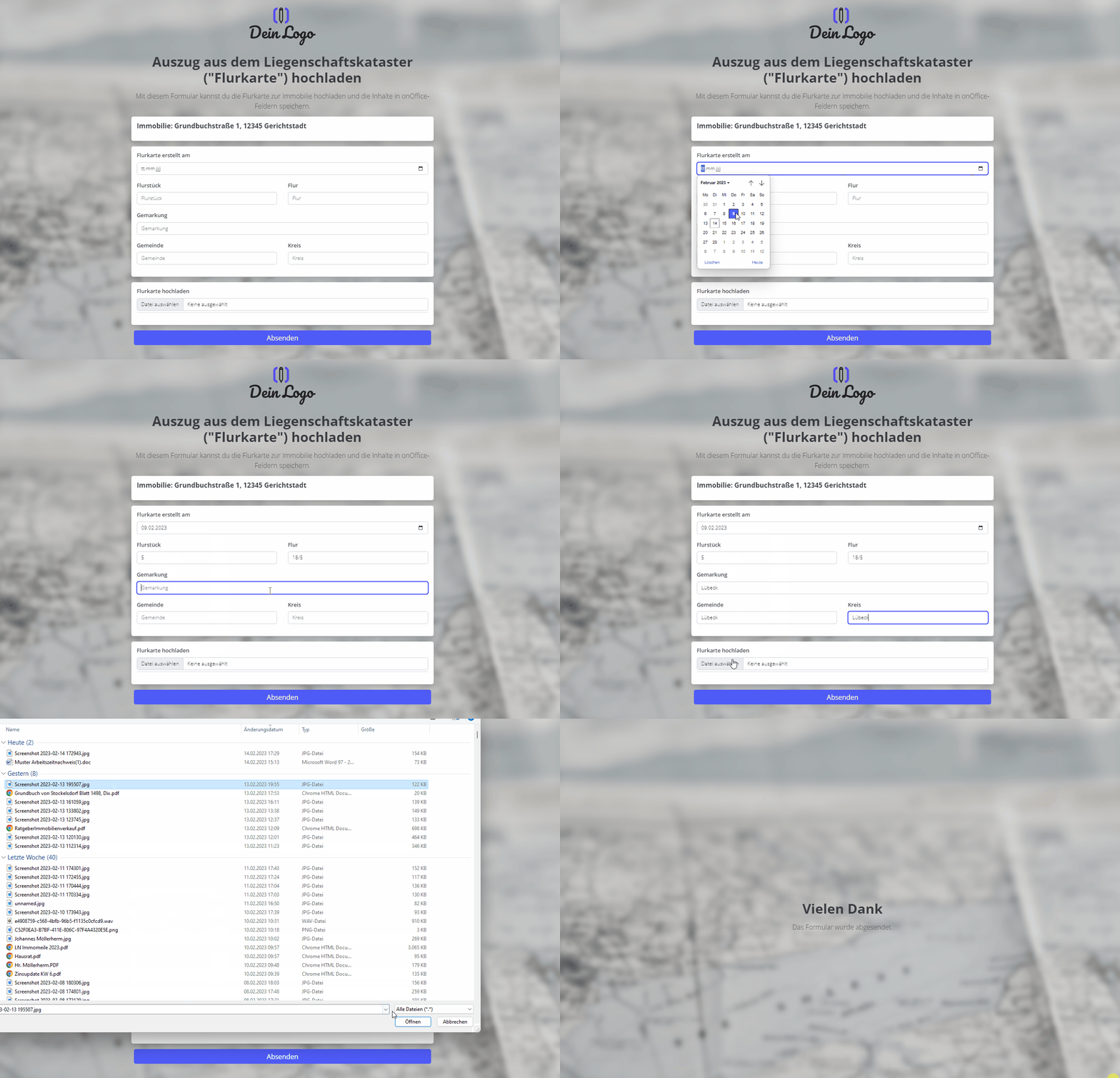
You can use this form to upload the cadastral map for the property in onOffice and, using the same form, retrieve key details such as the cadastral district and parcel number, so that these can be saved in the relevant fields within the property record in onOffice. The uploaded file will also be automatically tagged with the document attribute "Cadastral Map".
Explanation
You can use this form to upload the cadastral map for the property in onOffice and, using the same form, retrieve key details such as the cadastral district and parcel number to save them in the relevant onOffice fields for the property. The uploaded file is also immediately assigned the document attribute "Cadastral Map".
Instructions
- Copy the form and activate it.
- Create a document attribute named "Cadastral map" in your onOffice version. (Administration->Singleselect->Category:Files)
- Create the following property fields in your onOffice administration:
- Cadastral map created on (date)
- Municipality (Text (80 characters))
- District (Text (80 characters))
- Cadastral district (already exists under "Geographical details", activate if necessary)
- Parcel (already exists under "Geographical details", activate if necessary)
- Parcel (already exists under "Geographical details", activate if necessary)
- Replace the custom fields from the template with the field names from your version of onOffice.
- ✅ Done
Notes
- The form contains custom fields.
- You need a document attribute named "Cadastral map"
Usage
- To edit an existing property record using the form, the UUID of the property record must be appended to the form link as a URL parameter.
- Alternative 1: Send the edit link by email
- To do this, copy the first link from the top under "Form settings" -> "Edit property & address" and paste it into a new email. The link looks similar to this: ("https://deinname.propform.io/deineformularurl?estate[Id]=_Uuidestate")
- Send an email linked to the property in question.
- Alternative 2: Store the form link in the onOffice form as a link field with a formula
- In the onOffice administration, create a field of type "Link" and enter the first formula from "Form Settings" -> "Edit Property & Address" as the formula in the field. The formula looks similar to this: ="https://deinname.propform.io/deineformularurl?estate[Id]="&[uuid]