
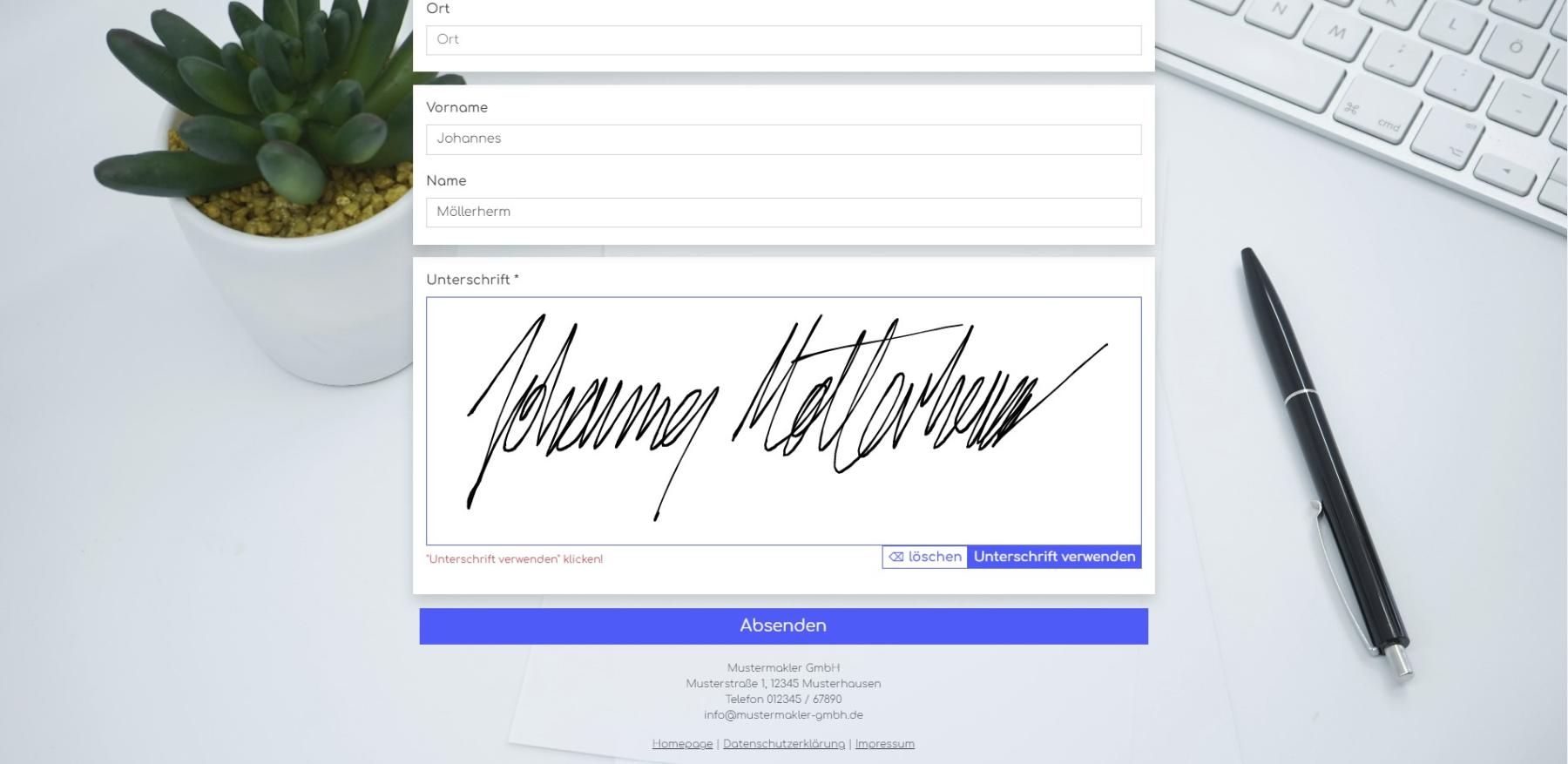
Signature fields can now be added to web forms; these are saved directly in the address or property record as a PNG file in onOffice. The signature can then be incorporated into PDF templates, e.g. for a notary’s mandate or an estate agent’s mandate.
Here’s how to add a signature field to a web form:
- In the onOffice administration, add a file field in either the Property or Addresses module and activate it.
- In the form settings at propform.io, add the created field to the form.
- In the field settings, tick “Signature field instead of file upload” and, if necessary, “Required field”.
- Done: A signature can now be provided in the form, which is saved as a PNG in the corresponding file field in onOffice after submission.
In PDF templates, you can then access it using the macro _dateipfadAdressfeld(feldname, 500, x, px, mail, html) or _dateipfadObjektfeld(feldname, 500, x, px, mail, html) to incorporate the signature into the PDF.
I have recorded a short demonstration of this in a video here.