All posts
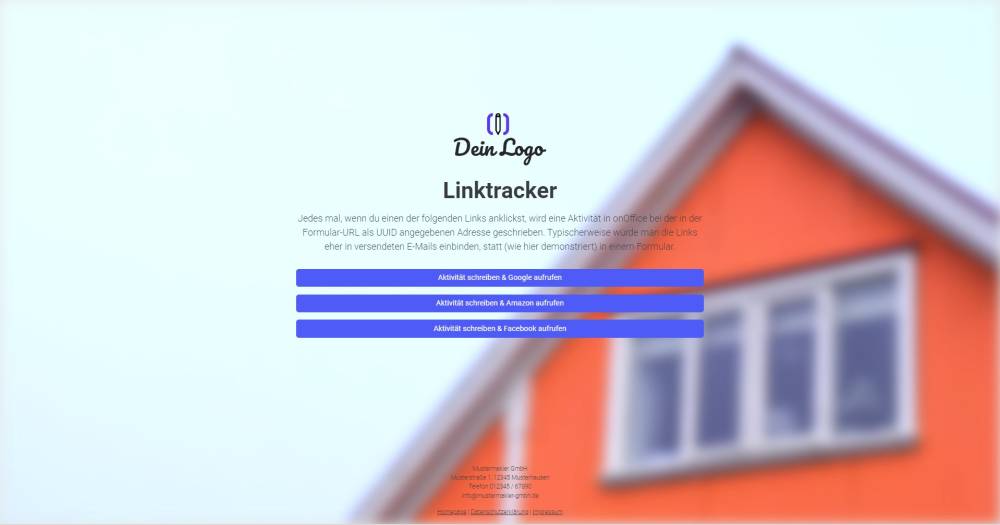
Sample form: Linktracker
By setting forms to "submit automatically", you can also create one-click actions for properties and addresses. For example, every time the form is clicked, an activity is automatically created and/or a field value in a record is updated.
Explanation
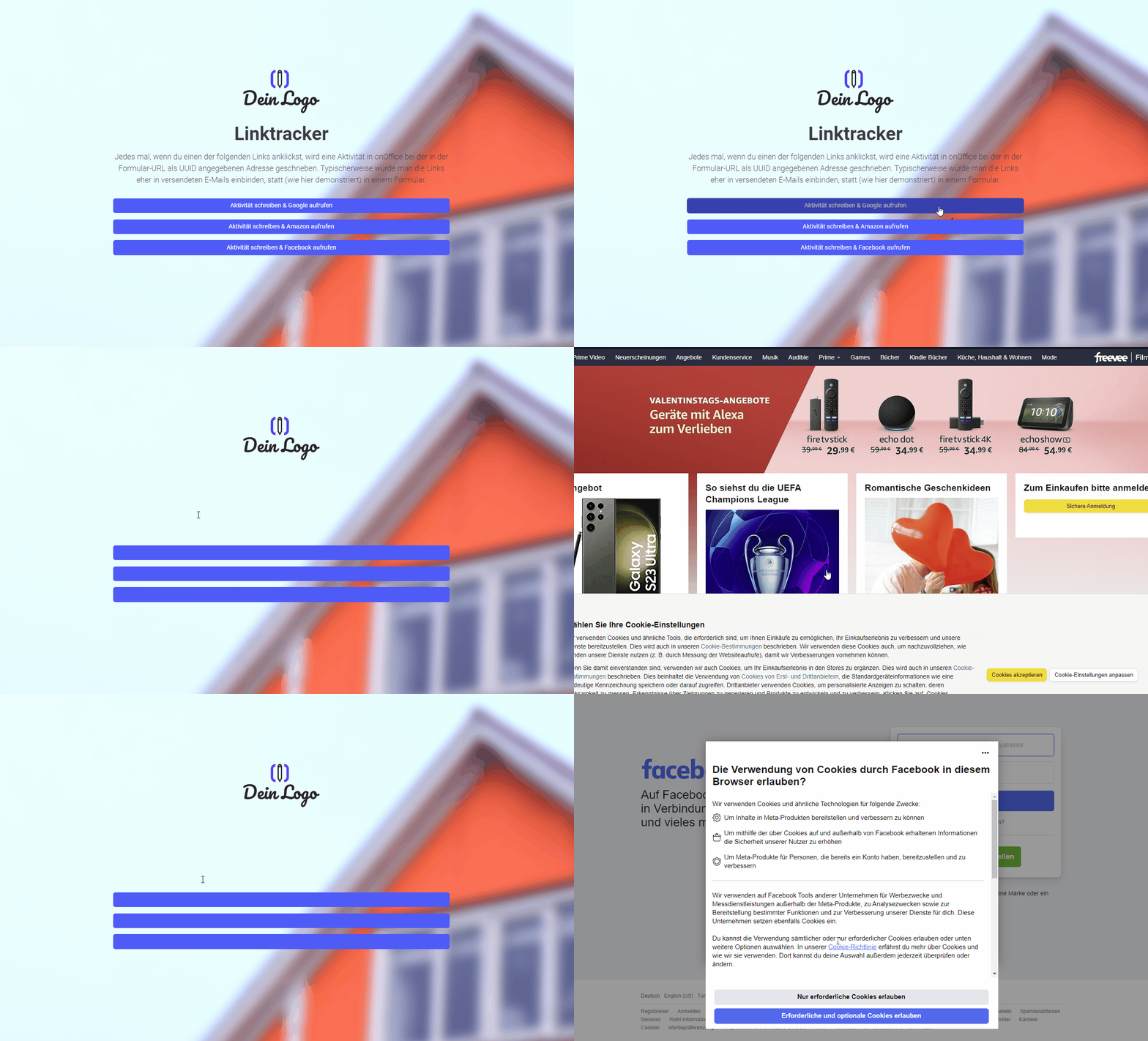
By setting forms to "submit automatically", you can also create one-click actions for properties and addresses. For example, every time the form is clicked, an activity is created directly and/or a field value in a record is updated. This form set serves to illustrate the system.
Instructions
- Copy the form set and activate it.
- ✅ Done
Notes
- In Form 1/4 (Overview), the links to Forms 2/4, 3/4 and 4/4 are stored in the button fields.
- Forms 2, 3 and 4 create an activity and are set to “Automatically submit form on submission and redirect to thank you page” under “Form settings” -> “Additional settings”.
Usage
- To edit an existing record using the form, the UUID of the address record must be appended to the form link as a URL parameter.
- Alternative 1: Send the edit link by email
- To do this, copy the second link from the top under "Form Settings" -> "Edit Property & Address" and paste it into a new email. The link looks similar to this: ("https://deinname.propform.io/deineformularurl?address[ID]=_Uuidaddress")
- Send an email linked to the address in question.
- Alternative 2: Store the form link in the onOffice interface as a link field with a formula
- In the onOffice administration, create a field of type "Link" and enter the first formula from "Form Settings" -> "Edit Property & Address" as the formula in the field. The formula looks similar to this: ="https://deinname.propform.io/deineformularurl?address[ID]="&[uuid]
Advanced customisations
- By adding address fields to forms 2, 3 and 4 and pre-filling these with values under "Field Settings" -> "Enforced Values", field values can also be converted into addresses.