All posts
Sample form: Tenant self-declaration form with signature
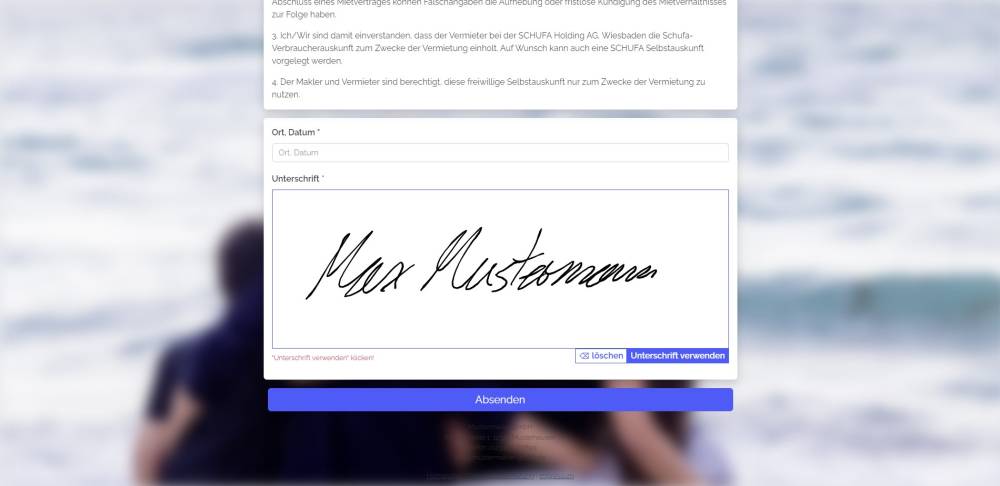
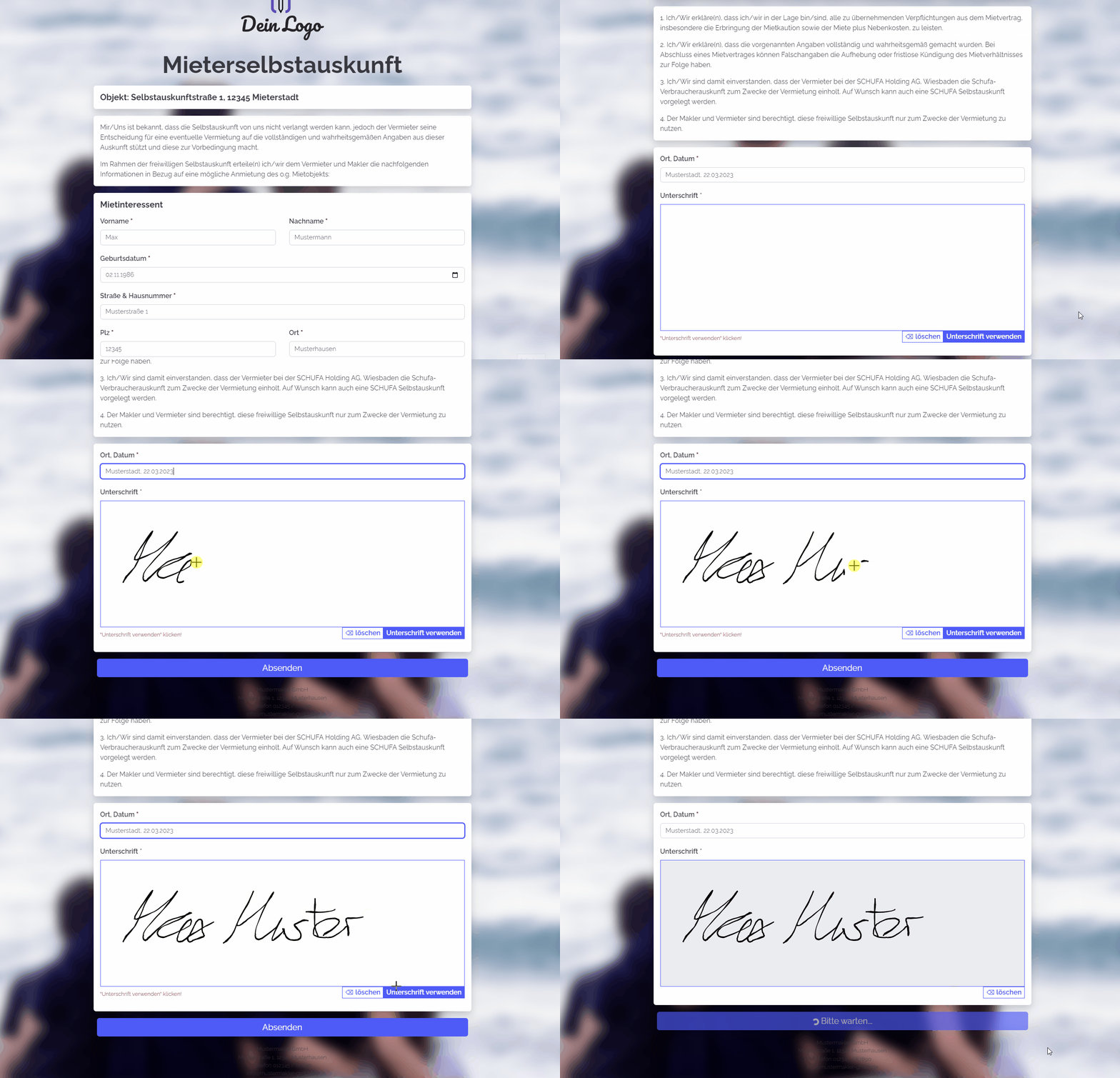
You can use this form to request a tenant self-declaration. The customer can sign the form by hand.
Explanation
You can use this form to request a tenant self-declaration. Below the form is an address field, which is used as a signature pad.
Instructions
- Copy the form and activate it.
- Create the following custom address fields in your onOffice administration:
- Signature Self-Declaration (file field)
- Place and date of signature (Text (80 characters))
- Move-in date (desired) (Date)
- Landlord (current) (Text (80 characters))
- Rent arrears (single select)
- Social security benefits (single select)
- Pets (single select)
- Replace the custom fields from the template with the field names from your onOffice version.
- ✅ Done
Notes
- The form contains custom fields.
- You need a file field in the Addresses module. Add this to the form and tick the "Signature field" box in the file field’s settings in propform.io. Instead of a file upload field, a signature pad is now displayed and the signature is saved as a PNG, so that you can insert it into a PDF template using the macro _dateipfadAdressfeld(feldname, 500, x, px, mail, html).