Todas las publicaciones
Formulario de ejemplo: Documentación sobre el blanqueo de capitales
Recopila los campos GwG de onOffice mediante un formulario web.
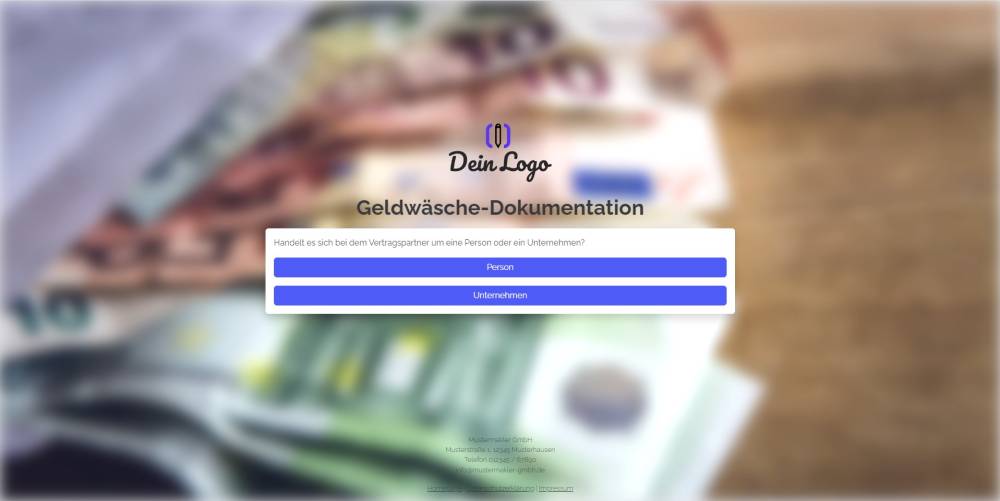
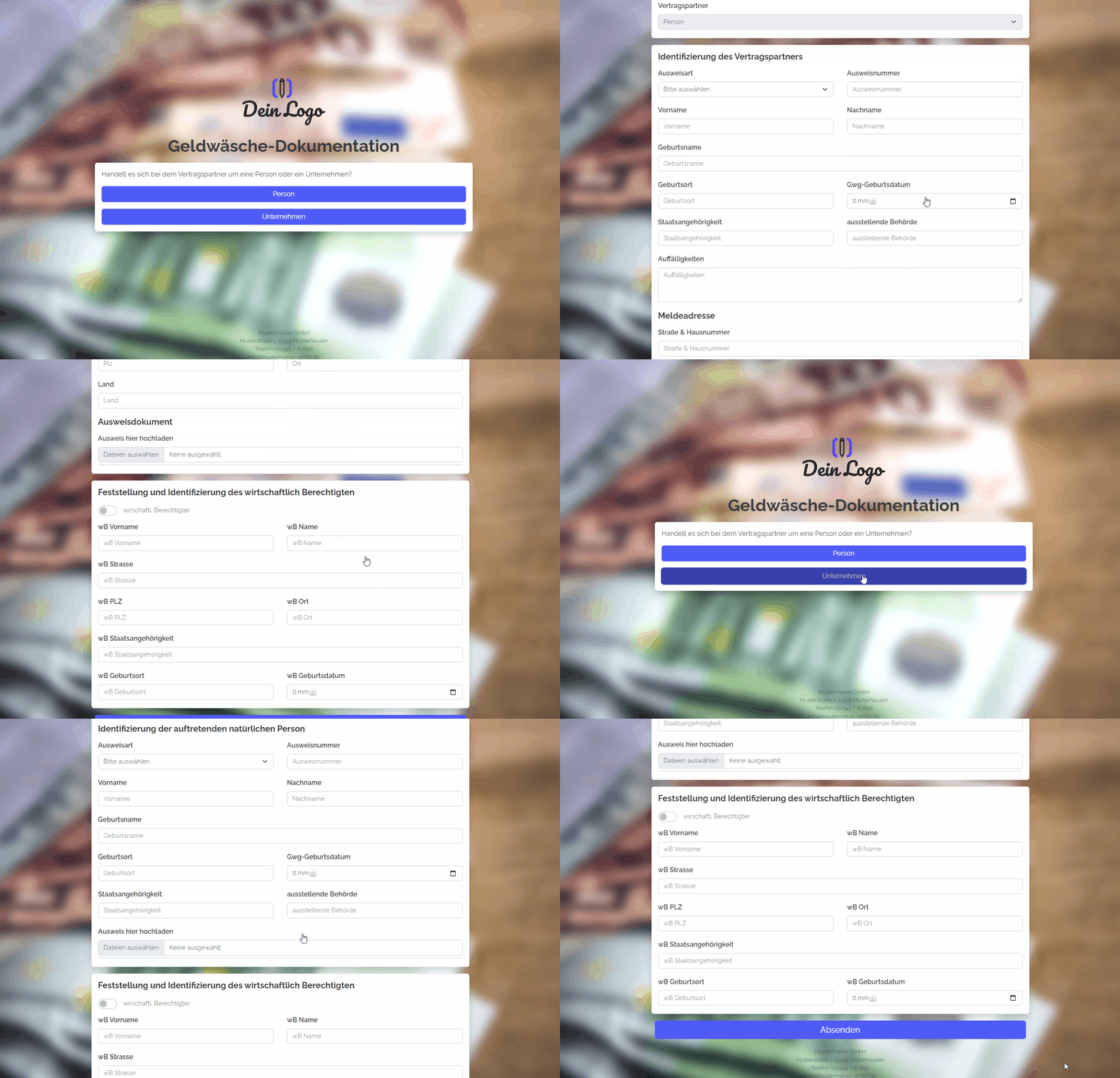
Explicación
Con este formulario puedes consultar los campos de onOffice relativos al blanqueo de capitales para empresas y particulares.
Instrucciones
- Copia el conjunto de formularios y activa todos los formularios correspondientes.
- Añade, si es necesario, campos creados por ti que completen la documentación para cumplir con la Ley de blanqueo de capitales.
- ✅ Listo
Notas
- En los formularios solo se solicitan los campos predeterminados de onOffice, que están creados en todas las versiones de onOffice. Para cumplir con la GwG, ¡necesitas campos adicionales creados por ti mismo!
Uso
- Para editar un registro ya existente con el formulario, debes añadir el UUID del registro como parámetro URL al enlace del formulario.
- Alternativa 1: Enviar el enlace de edición por correo electrónico
- Para ello, copia el segundo enlace de arriba de «Configuración del formulario» -> «Editar inmueble y dirección» y pégalo en un nuevo correo electrónico. El enlace tiene un aspecto similar a este: («https://deinname.propform.io/deineformularurl?address[ID]=_Uuidaddress»)
- Alternativa 2: Guardar el enlace del formulario en la máscara de onOffice como campo de enlace con fórmula
- Crea en la administración de onOffice un campo de tipo «Enlace» e introduce como fórmula en el campo la segunda fórmula de «Configuración del formulario» -> «Editar propiedad y dirección». La fórmula tiene un aspecto similar a este: ="https://deinname.propform.io/deineformularurl?address[ID]="&[uuid]