Tous les articles
Modèle de formulaire : remise de la carte d'identité
Permets à tes clients de télécharger directement leur carte d'identité dans ta version d'onOffice.
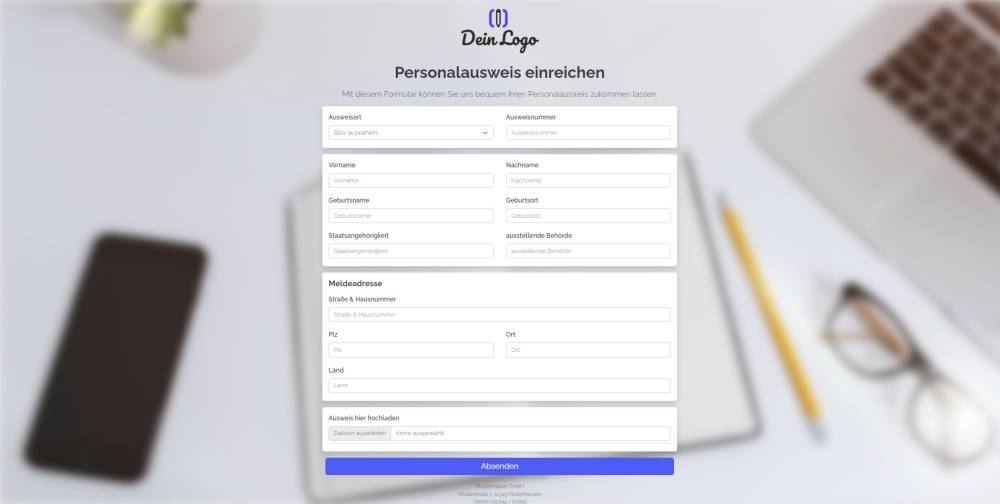
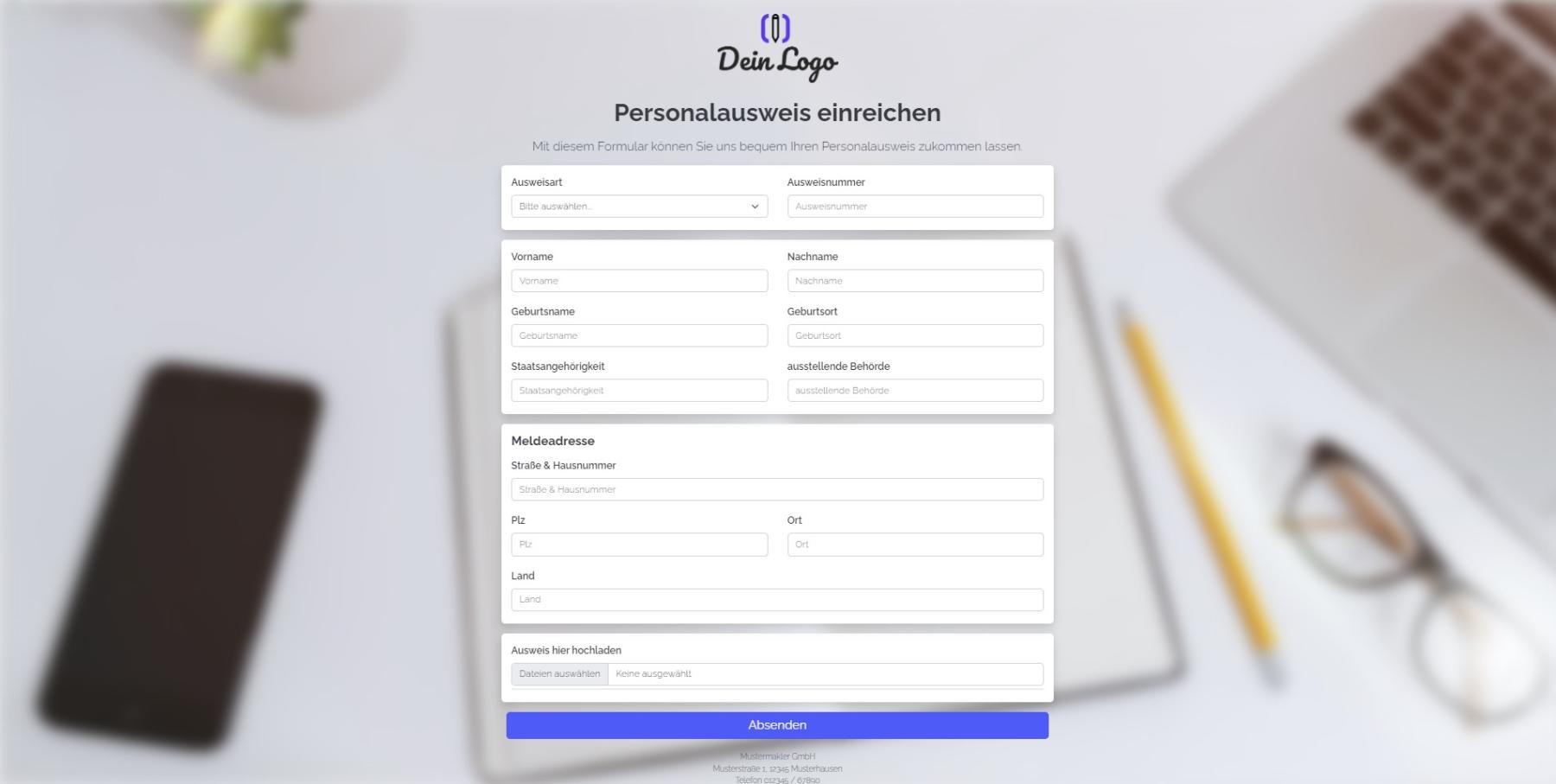
Explication
Ce formulaire te permet de télécharger ta carte d'identité et les informations qui s'y rapportent dans ta version d'onOffice.
Instructions
- Copiez le formulaire et activez-le.
- ✅ Terminé
Remarques
- Le formulaire se compose exclusivement de champs standard d'onOffice, qui sont déjà créés dans chaque version d'onOffice.
Utilisation
- Pour modifier un enregistrement existant à l'aide du formulaire, l'UUID de l'enregistrement doit être ajouté au lien du formulaire en tant que paramètre URL.
- Alternative 1 : envoyer le lien de modification par e-mail
- Pour ce faire, copiez le deuxième lien en partant du haut dans « Paramètres du formulaire » -> « Modifier le bien immobilier et l'adresse » et collez-le dans un nouvel e-mail. Le lien ressemble à ceci : (« https://deinname.propform.io/deineformularurl?address[ID]=_Uuidaddress »)
- Alternative 2 : enregistrer le lien du formulaire dans le masque onOffice en tant que champ de lien avec une formule
- Dans l'administration onOffice, créez un champ de type « Lien » et entrez comme formule dans ce champ la deuxième formule issue des « Paramètres du formulaire » -> « Modifier le bien immobilier et l'adresse ». La formule ressemble à ceci : ="https://deinname.propform.io/deineformularurl?address[ID]="&[uuid]
Envie d'essayer propform.io ?
Premier formulaire gratuit, sans carte bancaire.
Commencer gratuitement